
Clck the button
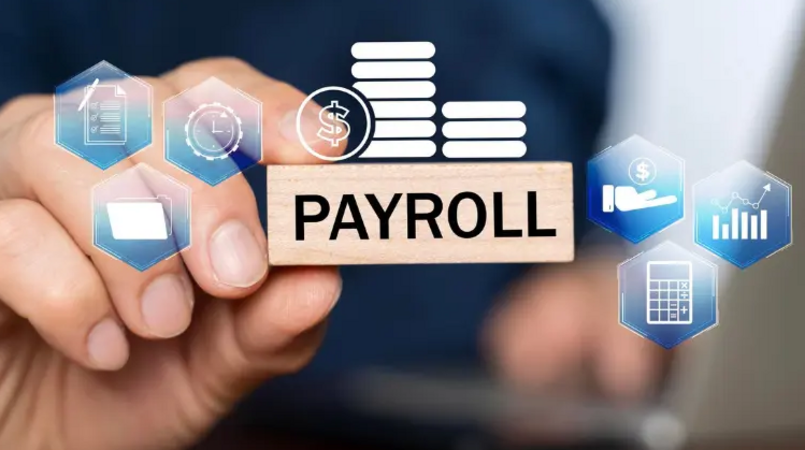
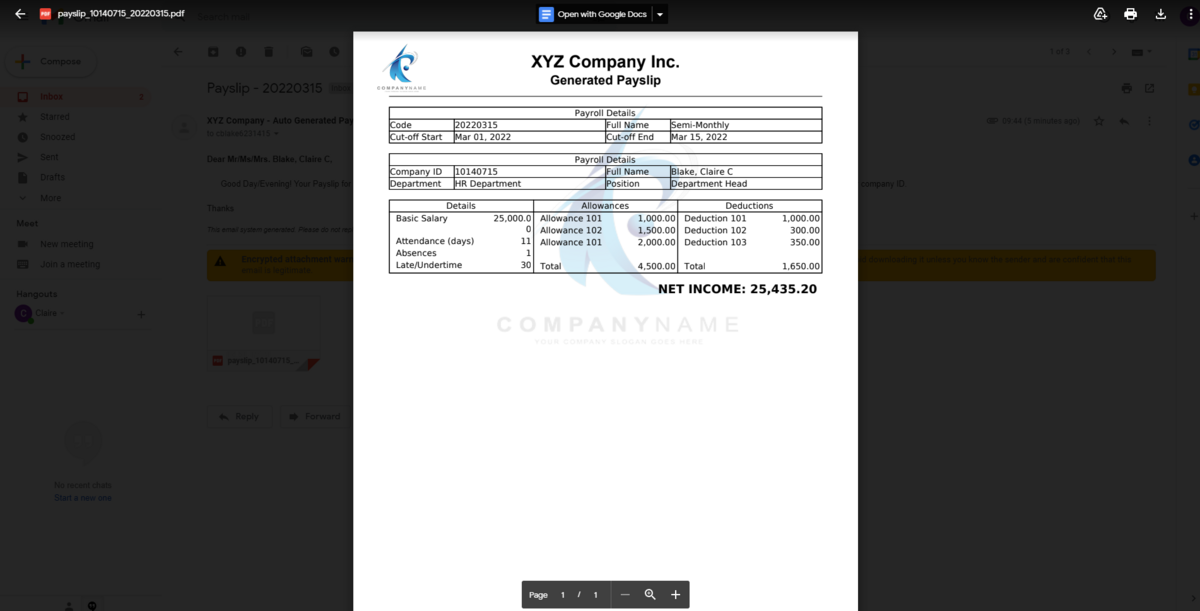
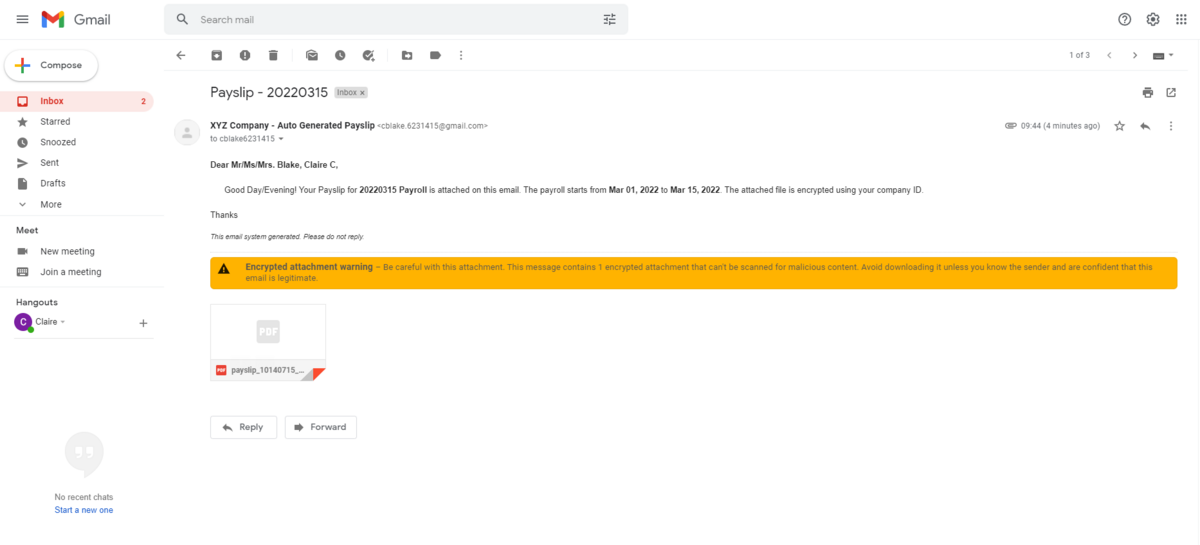
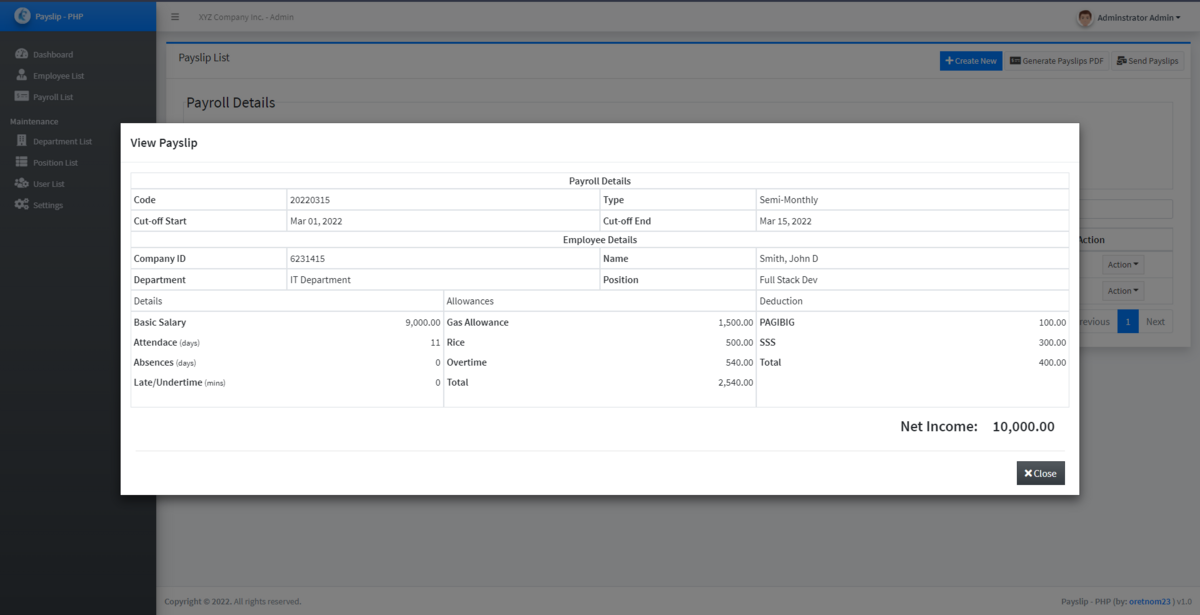
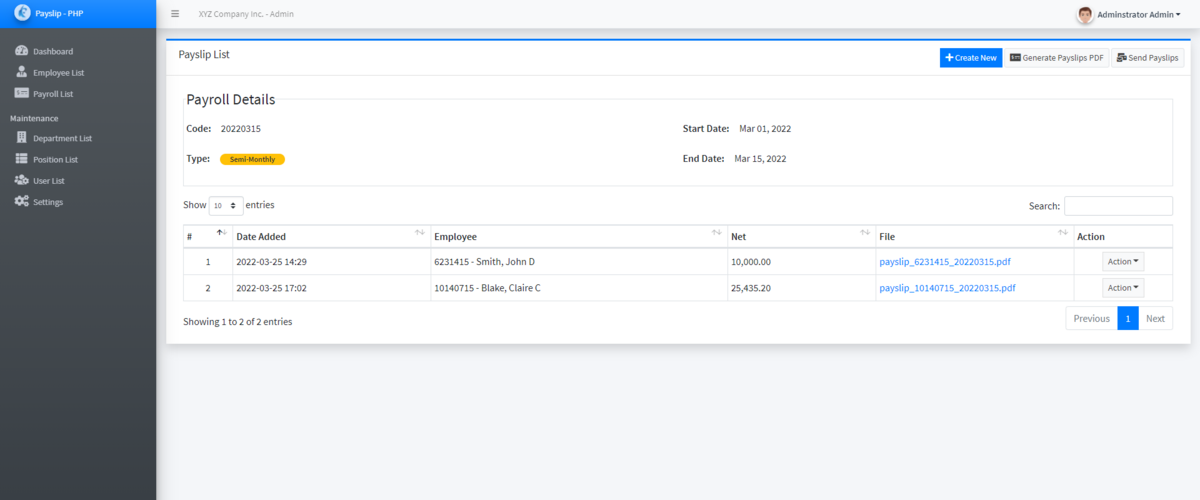
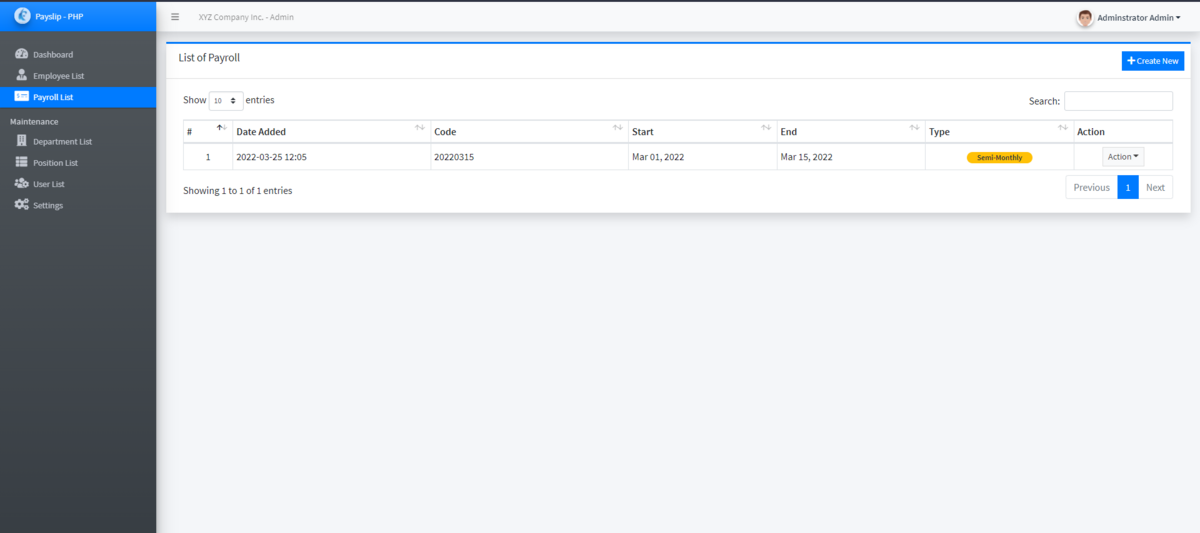
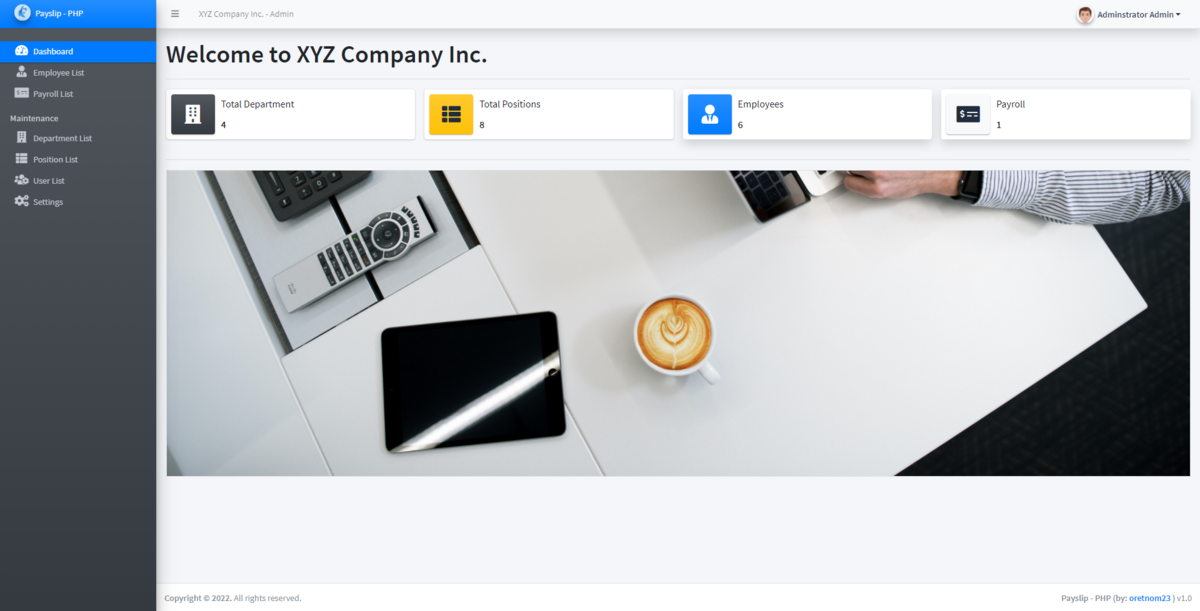
150k Php only - Payroll is the systematic process by which a business compensates its workers, encompassing the calculation of wages, tracking of hours, and distribution of pay. It also ensures compliance with labor laws by managing tax withholdings, statutory contributions, and detailed recordkeeping.

Clck the button
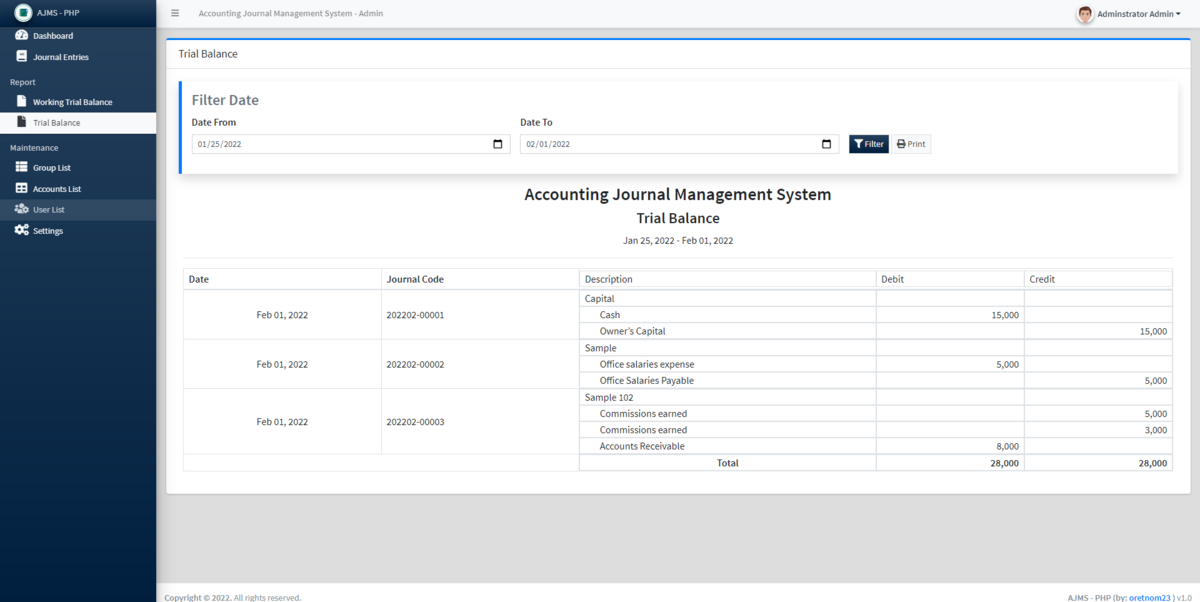
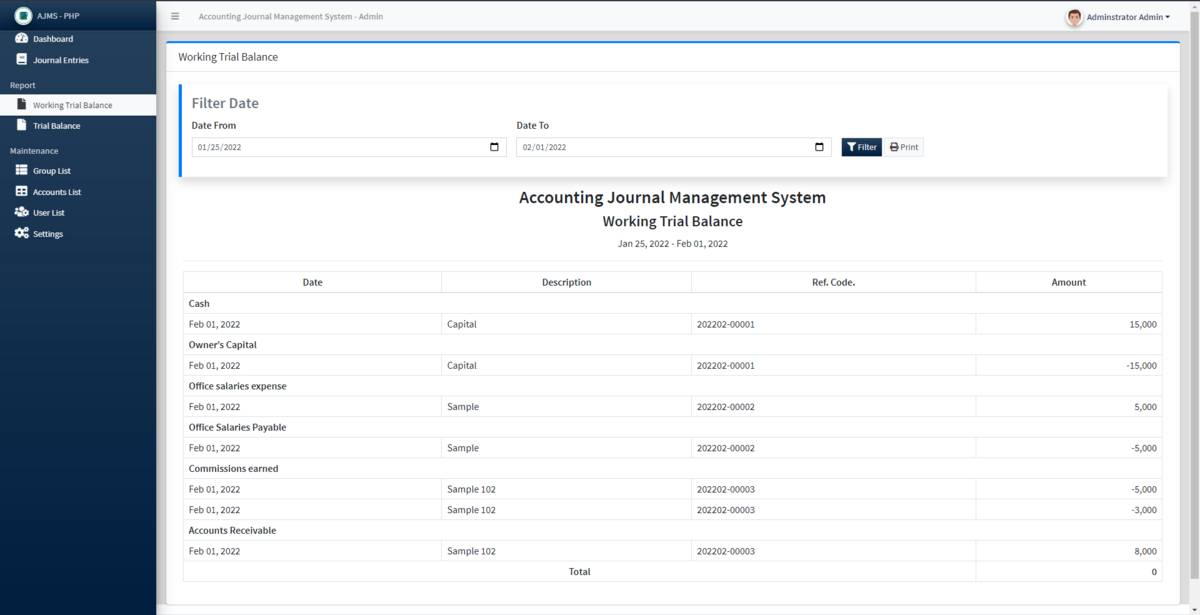
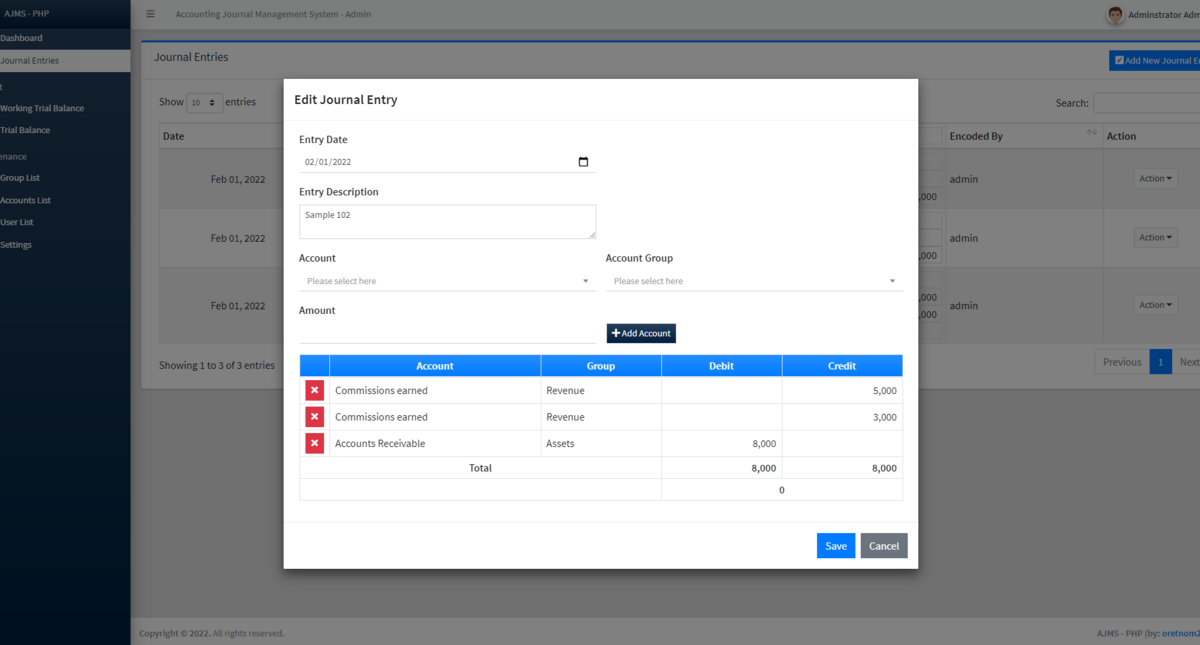
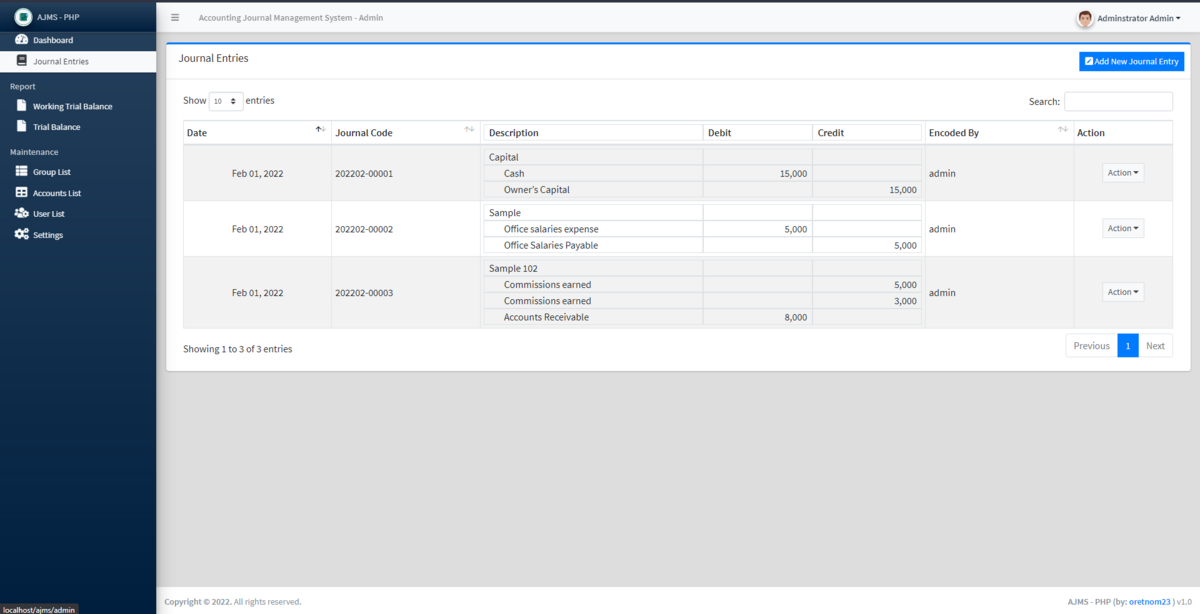
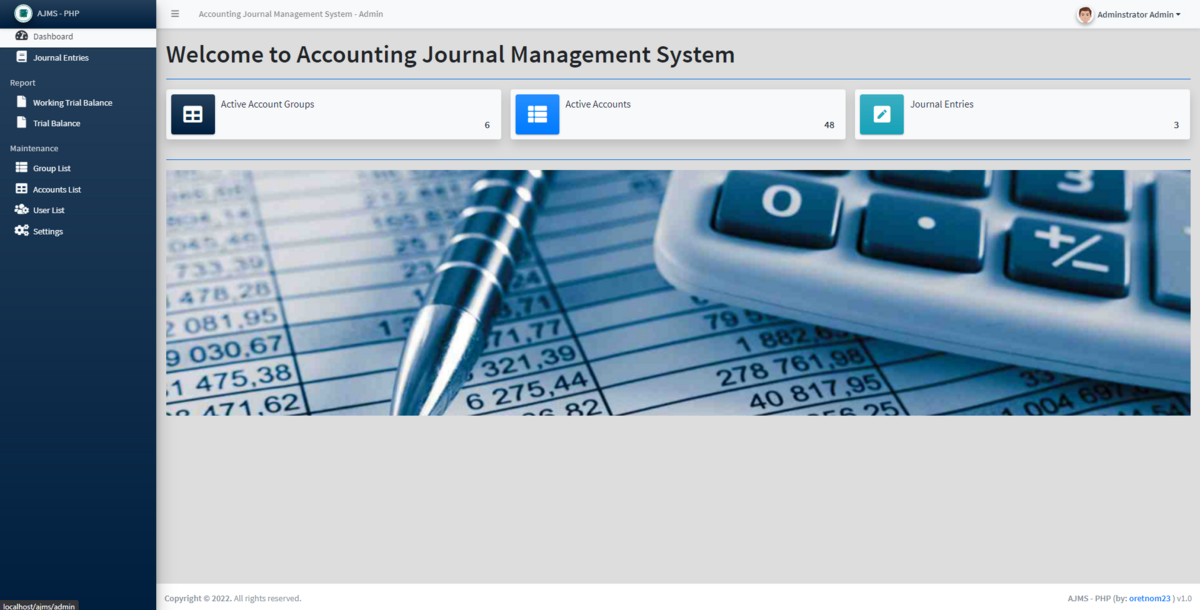
150k Php only - Accounting is the process of recording, summarizing, analyzing, and reporting a business's financial transactions. Often called the "language of business," it allows leaders to measure financial health, ensure legal compliance, and make informed strategic decisions.
Clck the button
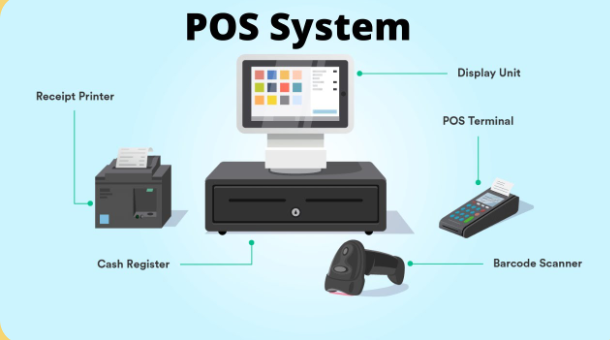
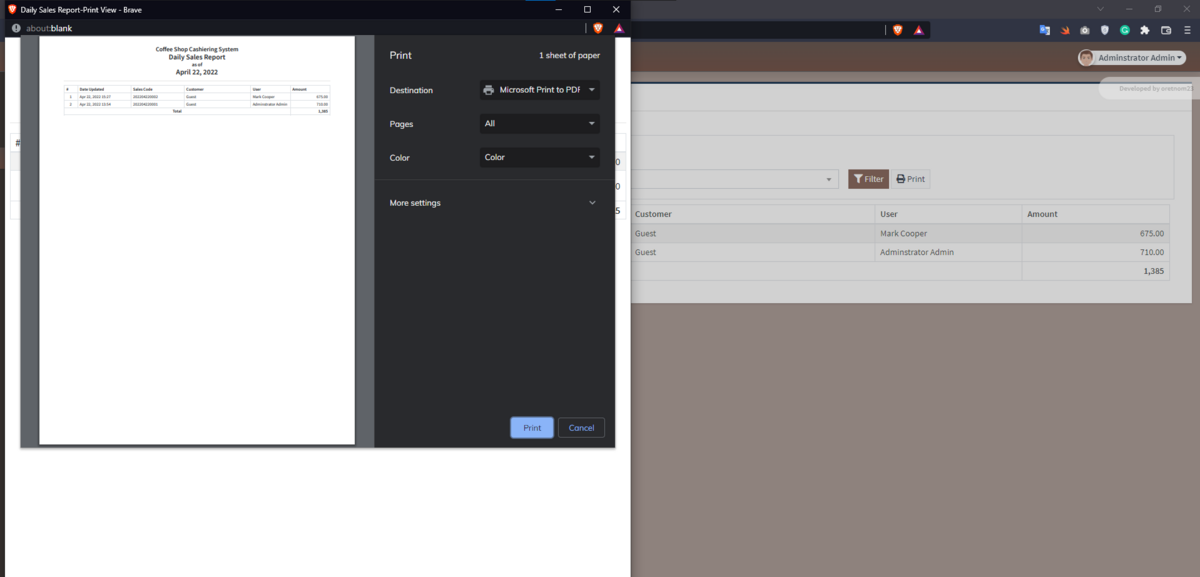
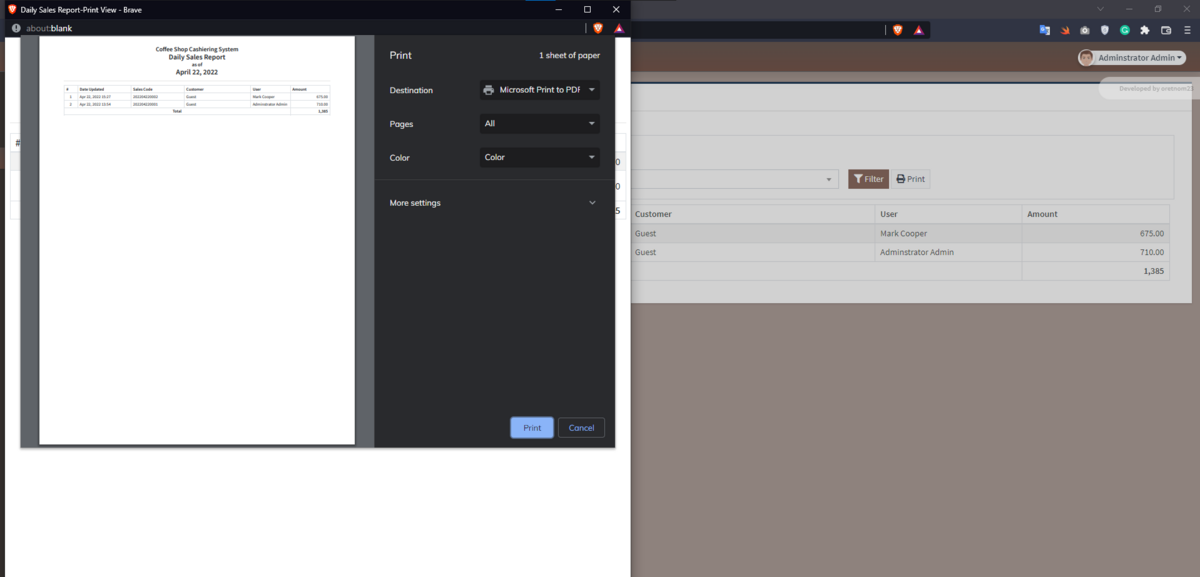
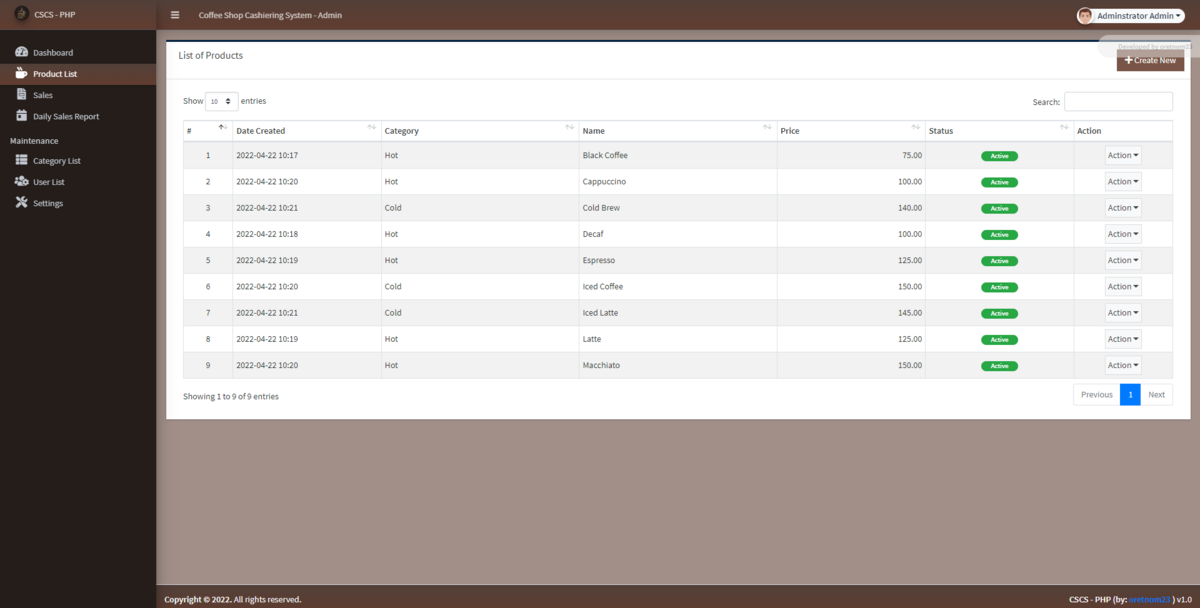
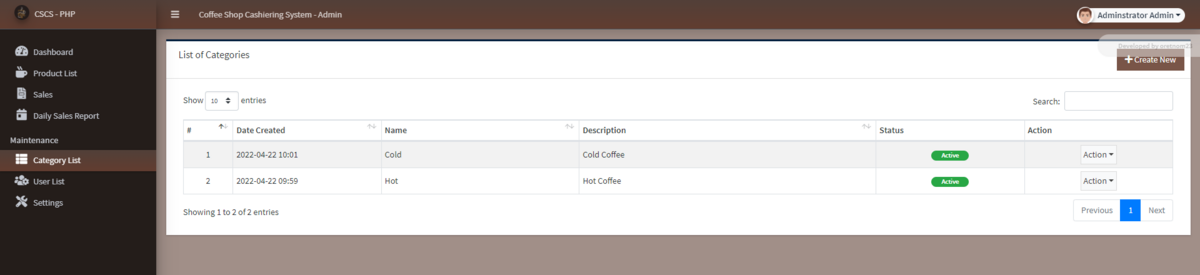
150k Php only - A Point of Sale (POS) and inventory system unifies front-end sales with back-end stock tracking. Every time a sale is made, the system automatically subtracts the item from your inventory in real-time, helping you avoid out-of-stocks, prevent shrinkage, and manage purchase orders directly.
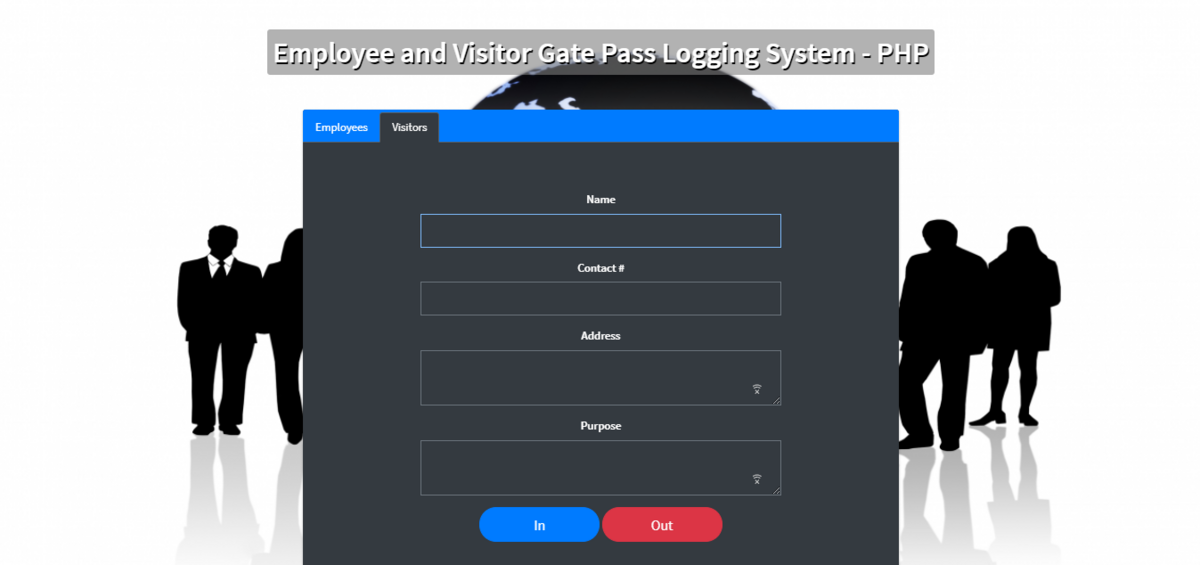
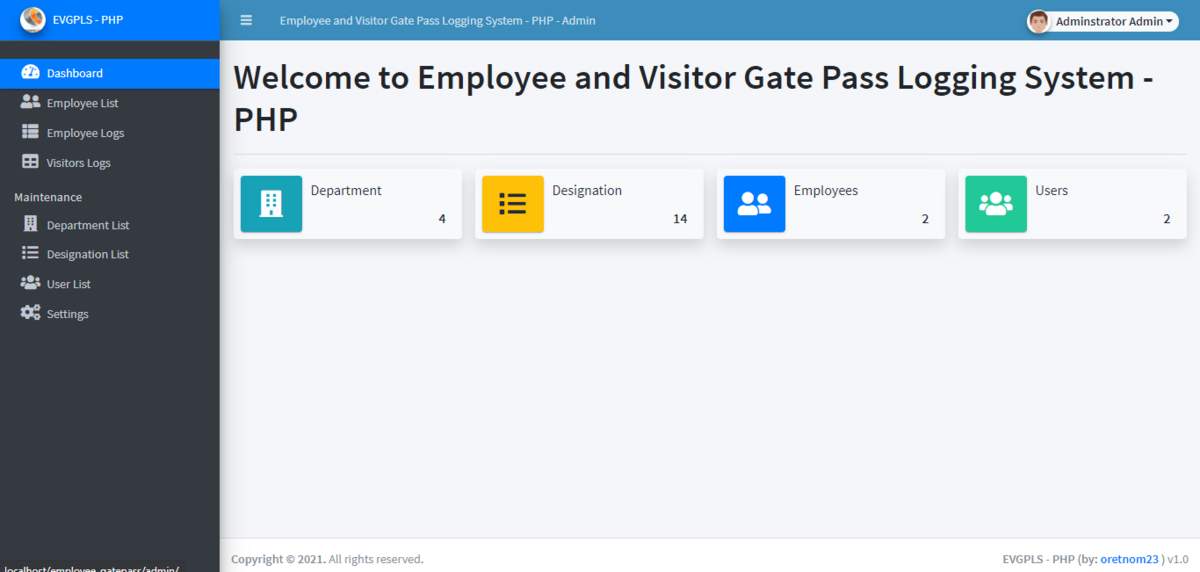
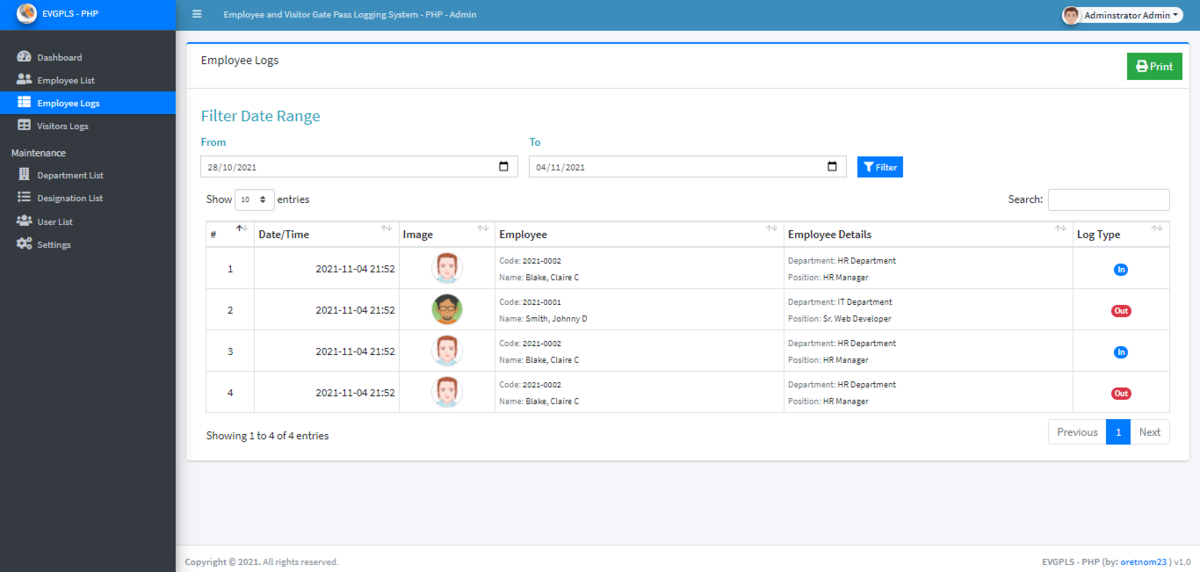
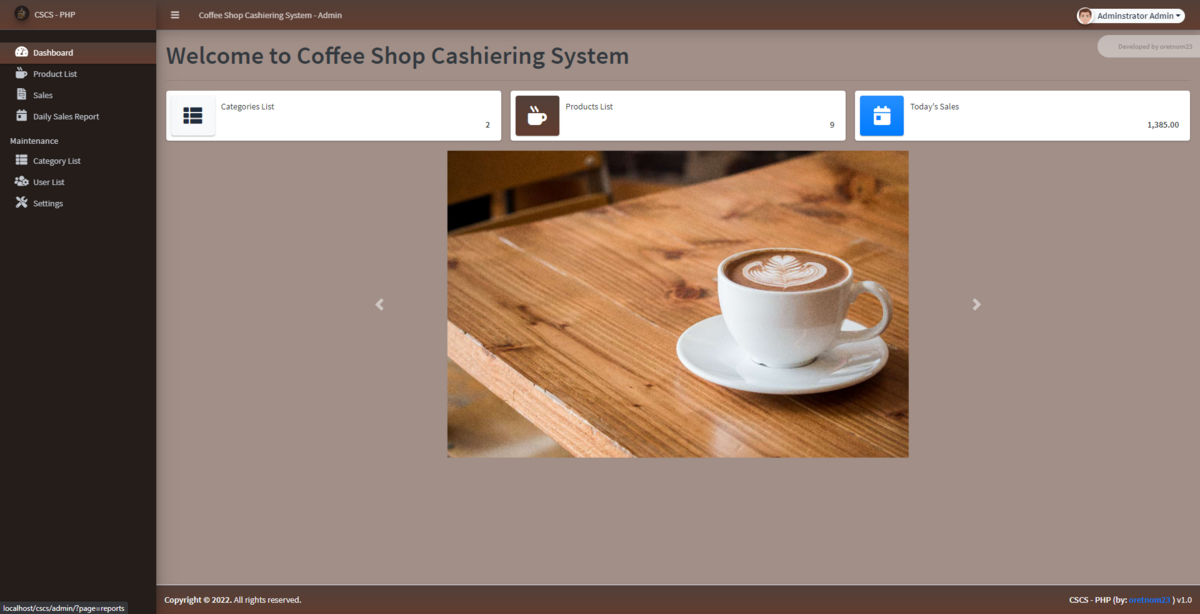
PAYROLL, HR, ATTENDANCE GALLERY (150k Php only )
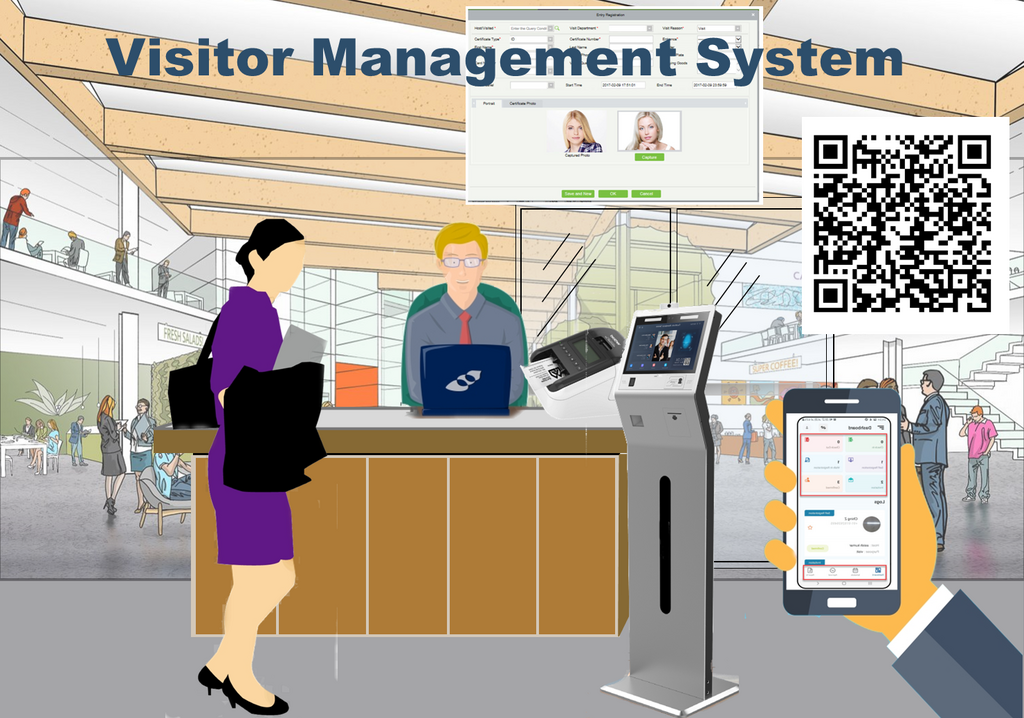
If you’re looking into visitor management software, you’re likely trying to solve a simple problem: how to manage visitors efficiently while keeping your workplace secure and running smoothly.
Visitor expectations and workplace requirements have changed. Today, teams need to balance security, compliance, and a seamless guest experience, all without adding more manual work. In this post, we’ll break down the key benefits of a visitor management system (VMS) and how to tell if it’s the right fit for your organization.
What is a visitor management system?
A VMS is software that helps organizations register, track, and manage visitors. Modern systems extend beyond the front desk, enabling organizations to manage the entire visitor journey before arrival, including pre-screening, approvals, and secure access provisioning, making it easier to manage guests at scale while maintaining visibility, security, and compliance.
What are the benefits of a visitor management system?
A VMS helps workplace and security teams reduce manual work, improve physical security, and create a more consistent visitor experience across locations. Let’s look at seven key benefits:
A VMS allows you to prepare guests before they arrive with pre-registration, directions, and any required documents, such as NDAs, safety acknowledgments, or compliance forms.
Instead of waiting in line or filling out forms at the front desk, visitors can check in quickly and know exactly what to expect. This creates a smoother, more professional experience from the start.
You can extend your brand experience across the entire visitor journey using branded email templates for invites, registration, and welcome messages, along with custom sign-in screens and printed visitor badges that create a polished, consistent experience for every guest.
Manual sign-in processes require staff to manage logs, notify hosts, and answer routine questions, while also coordinating visitor arrivals in real time. A VMS automates much of this workflow by allowing visitors to check themselves in and instantly notifying hosts when their guest arrives. This reduces the need for manual tracking or follow-ups and helps visits start on time. Some systems can also automatically provision secure guest Wi-Fi credentials upon check-in, removing additional administrative steps while maintaining network security.
With fewer repetitive tasks and less coordination overhead, front desk teams can focus on greeting guests and delivering a higher-quality onsite experience.
As workplaces become more hybrid and schedules more dynamic, it’s harder to anticipate who will be onsite and when. A VMS gives organizations real-time visibility into planned visits and expected arrivals, helping teams better coordinate space, staffing, and meeting readiness.
This keeps workplace teams organized and responsive even when attendance patterns fluctuate.
Workplace security expectations have increased, especially in hybrid and multi-tenant environments. In fact, 50% of organizations reported increased security budgets year-over-year. This goes to show that organizations understand and are investing in addressing the growing complexity of modern workplace security.
A VMS helps keep workplaces secure by:
Some systems, such as Envoy, integrate with the security tools your team already uses to support identity verification, blocklist screening, and controlled access to sensitive areas. Some systems can even send real-time blocklist alerts to tools your team already uses. For example, Envoy can notify teams in Slack or Microsoft Teams, where authorized staff can quickly review and approve or deny access requests without leaving their workflow.
Many organizations, especially in regulated industries such as manufacturing, healthcare, pharma and biotech, and defense and aerospace, need to maintain accurate visitor records for audits, safety protocols, and regulatory compliance. A VMS makes this easier by:
As organizations grow, managing visitors across multiple locations can become inconsistent.
A VMS allows teams to standardize workflows across offices while still adapting to local needs. This ensures every location follows the same security protocols and provides a consistent visitor experience.
A VMS also generates data that helps organizations understand how their workplace is being used over time. Teams can analyze visitor patterns, peak days, and location trends to make more informed decisions about staffing, space utilization, and operational planning.
These insights help organizations move from reactive visitor management to more proactive workplace planning, improving efficiency across day-to-day operations.
Modern visitor management systems should go beyond basic check-in and include tools that support security, compliance, and workplace efficiency.
They should also support different types of visitors with tailored check-in experiences. Visitors can be invited ahead of time and guided through flows based on their type, such as guests, candidates, contractors, or vendors.
At a minimum, a modern system should include:
These features help organizations manage visitors consistently while reducing manual coordination.
A visitor management system can benefit organizations of any size, but it becomes especially valuable as complexity increases.
Here are some common signs it’s time to invest in a VMS:
If any of these sound familiar, a visitor management system can help streamline operations and reduce risk.
—
Visitor management systems have evolved from a “nice-to-have” into a core part of modern workplace operations.
As visitor expectations rise and security and compliance requirements become more complex, manual processes no longer hold up. Digital systems make it easier to manage visitors efficiently while creating a better experience for everyone involved.
BRIEF DESCRIPTION OF COMPANY:
EmpowerLink Solutions provides superior Customized Financial Systems for Rural Bank, SLAI, Coop,
retail industry, trading, logistics, and manufacturing industry segments.
As experts in Customized Financial Systems, ELS is involved in every stage from implementation
to completion offering continual functional and technical support. Our extensive skills encompass
all aspects of Software Development, including business requirements definition, development
of functional, system report design, and customizing software to fit specific client needs.
Typically, we are on-site at the client's locations handling client request, providing functional and
technical training and support, and resolving all troubleshooting issues that arise when the client
initiates software usage in a live setting.
Enterprise Resource Planning (ERP) is a software system used by businesses to manage and maintain daily functions like accounting, payroll, and production in real-time. These systems utilize a central database to collect and organize data from various departments, providing insights and internal controls. Modern ERP solutions often integrate with cloud technology and artificial intelligence to automate routine tasks such as data entry and utility payments.
An ERP is an application that makes use of a central database that receives information from various departments within a company
It has survived not only five centuries, but also the leap into electronic typesetting, remaining essentially unchanged. It was popularised in the 1960s with the release of Letraset sheets containing Lorem Ipsum passages, and more recently with desktop publishing software like Aldus PageMaker including versions.

Lorem Ipsum is simply dummy text of the printing and typesetting industry. Lorem Ipsum has been the industry's standard dummy text ever since the 1500s, when an unknown printer took a galley of type and scrambled it to make a type specimen book. It has survived not only five centuries, but also the leap into electronic typesetting, remaining essentially unchanged. It was popularised in the 1960s with the release of Letraset sheets containing Lorem Ipsum passages, and more recently with desktop publishing software like Aldus PageMaker.